Commercial depth
Travel Alarm Clocks: Compact, Independent, and Easy to Reset
A travel alarm earns its space when it remains easy to set in an unfamiliar room and does not depend on the phone you are trying to put away.
The decision first
Choose a travel alarm for the room you arrive in
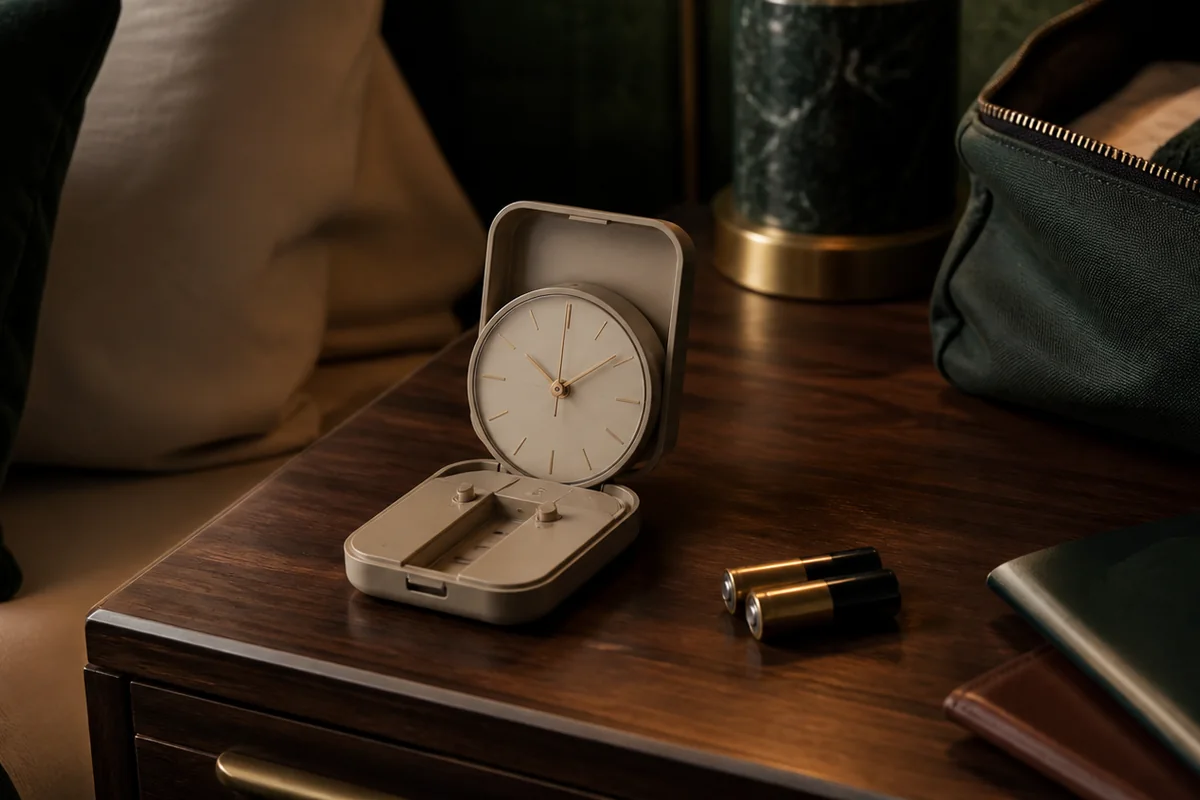
Choose a travel alarm by the power and controls available after arrival, not by its travel label. Confirm local time, the calendar day, and whether the alarm is armed as separate settings. A weekday-only mode can skip a weekend departure, while a folding case does not establish protected controls.
Start with the power path you need. Then compare the exact display, repeat rule, and controls rather than assuming that compact dimensions make setup straightforward.
Nonnegotiable checks
The criteria that can change the answer
Packed form
Measure the closed size and check whether buttons are protected.
Power
Use a battery type that is easy to carry or replace.
Reset speed
Changing time zones should not require rebuilding every alarm.
Hotel-room fit
The signal and backlight must work from an unfamiliar bedside position.
We may earn a commission when you buy through links on this page. As an Amazon Associate I earn from qualifying purchases.
Compare two documented travel-control choices
These examples compare a small analog clock and a folding digital clock already included below. They cover two control layouts, not every candidate or the whole travel-clock market.
| Exact model / listing | Documented form and power | Control or light distinction | Check before departure | Check the listing |
|---|---|---|---|---|
| Braun BC02R | 57 × 57 × 27 mm case; AA battery type | Luminous-tipped hands and a crescendo beep; manufacturer describes a quiet quartz tick | Match the complete code and instructions. Do not transfer BC02XB snooze or backlight features to the red BC02R listing. | Check Amazon listing (paid link) |
| MeesMeek folding digital clock ASIN B0BK95CGNG | Folding body; two AAA for normal operation | 12/24-hour format; five-second backlight; optional Monday–Friday repeat mode | Check date, weekday mode, and alarm-active state independently, especially before a weekend departure. | Check Amazon listing (paid link) |
No packed-drop test, acoustic measurement, battery-endurance test, or ranking was performed. Existing seller links are options to investigate, not a statement of current stock.
Role-based product shortlist
Models worth comparing for this decision
These are desk-researched candidates, not a claim that one clock wins for everyone. Each card explains the scenario it fits, the limitation to verify, and the primary source used for the factual details.
Compare for compact, app-free travel use
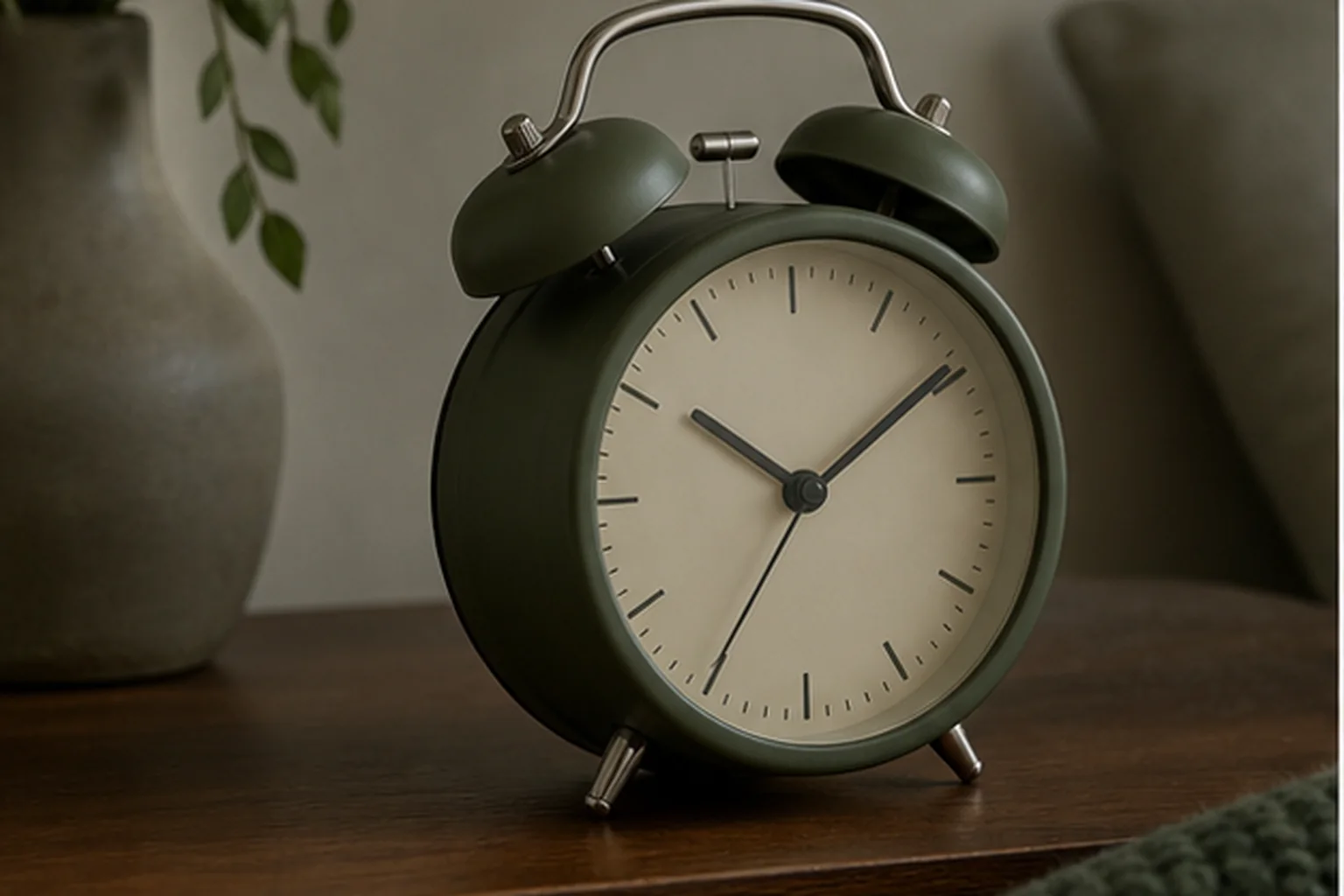
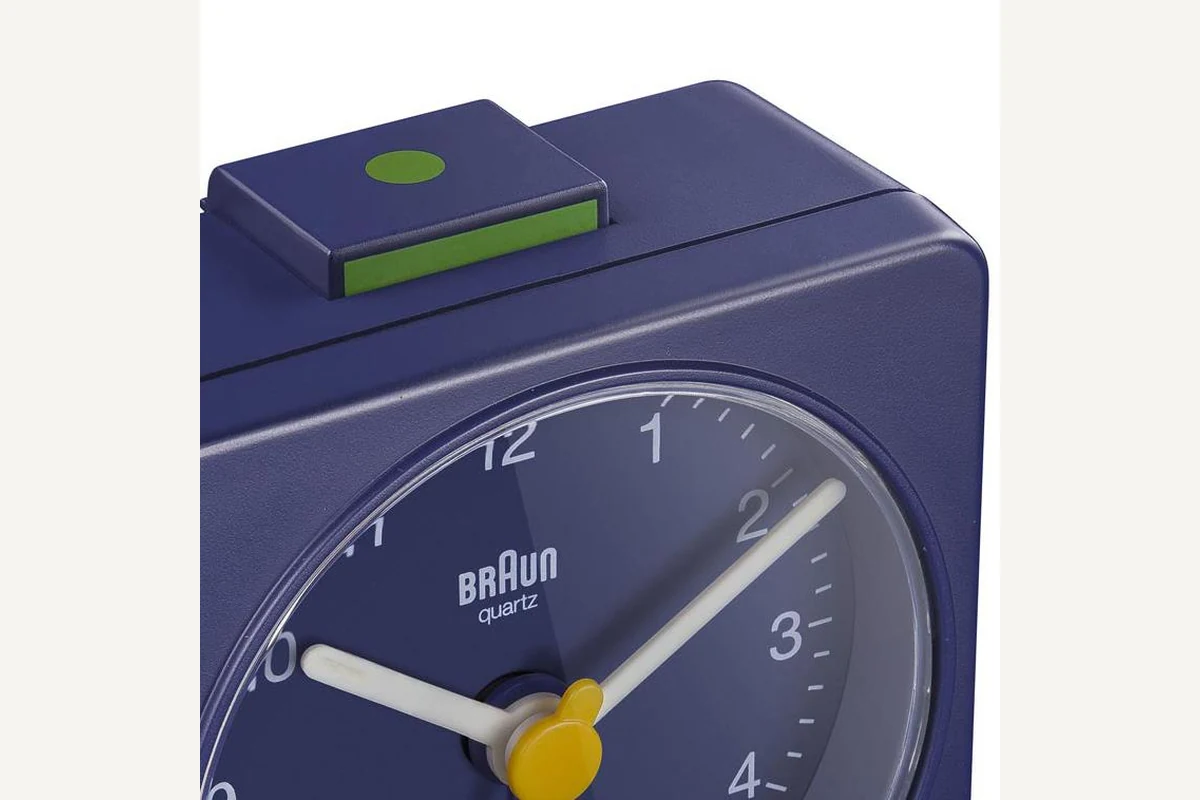
Braun BC02
BC02 is the packable, outlet-free reference, provided the traveler is comfortable setting a small analog alarm hand.
BC02 is a 57 mm square analog clock powered by one AA battery. It uses a quiet quartz tick movement, luminous-tipped hands, and a crescendo beep without an app, account, or wall outlet.
Compare for a foldable two-AAA travel clock
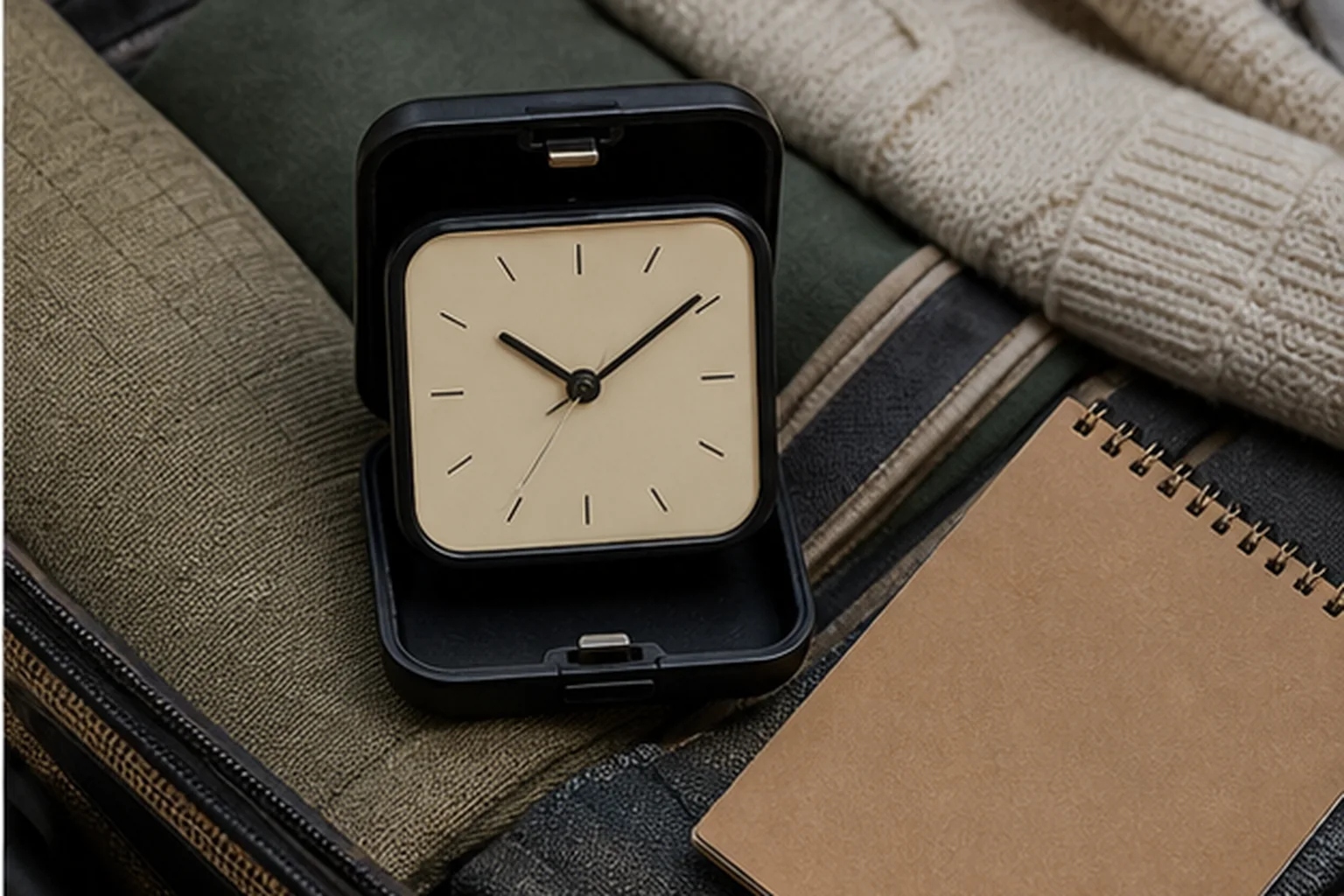
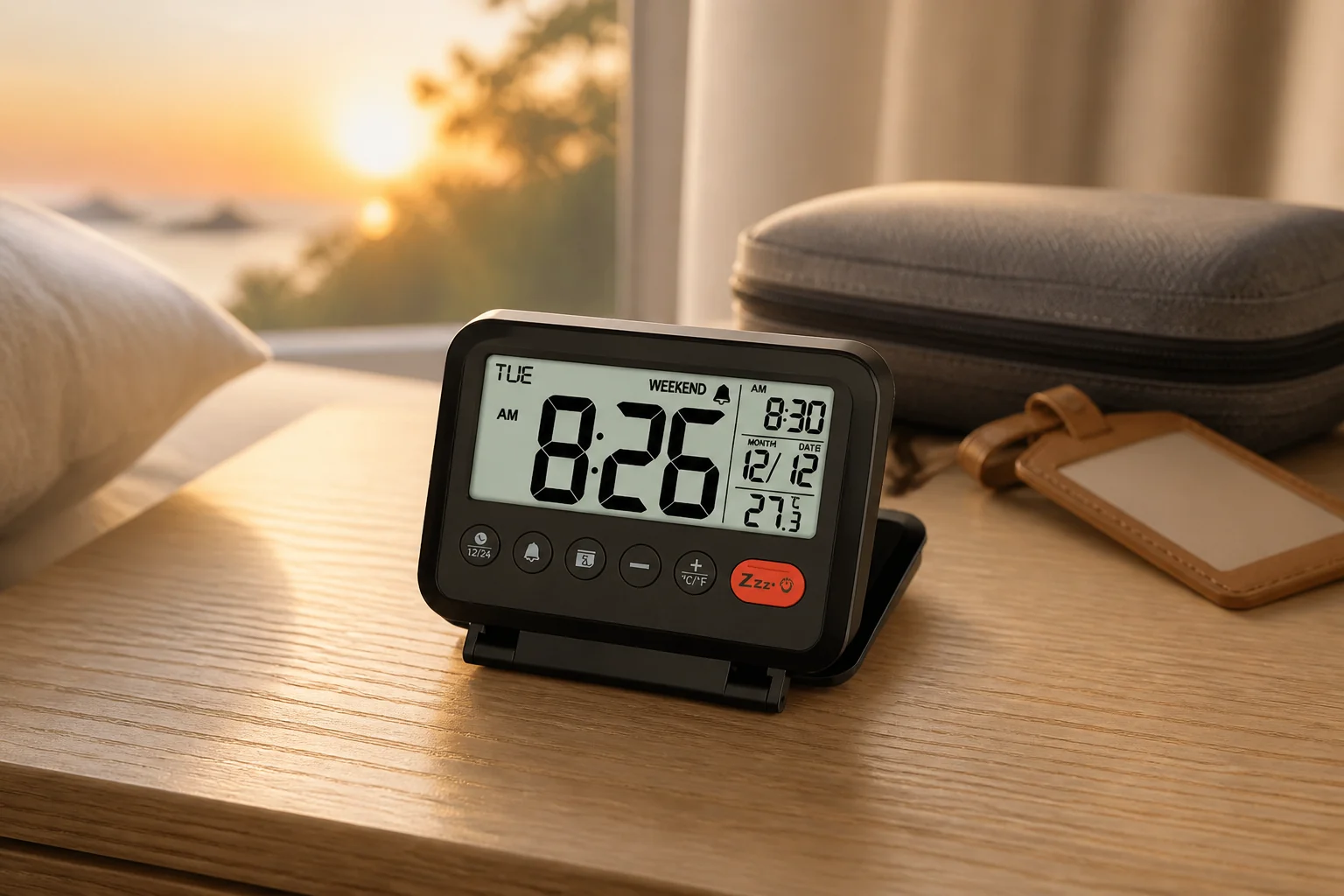
MeesMeek Digital Travel Alarm Clock
MeesMeek is the folding digital route, using two AAA cells and weekday-only recurrence while limiting its backlight to five seconds.
MeesMeek combines a folding four-inch body, passive 3.54-inch LCD, two AAA batteries, weekday-only alarm mode, two listed volume levels, nine-minute snooze, and a five-second backlight.
Compare for large cordless LED digits
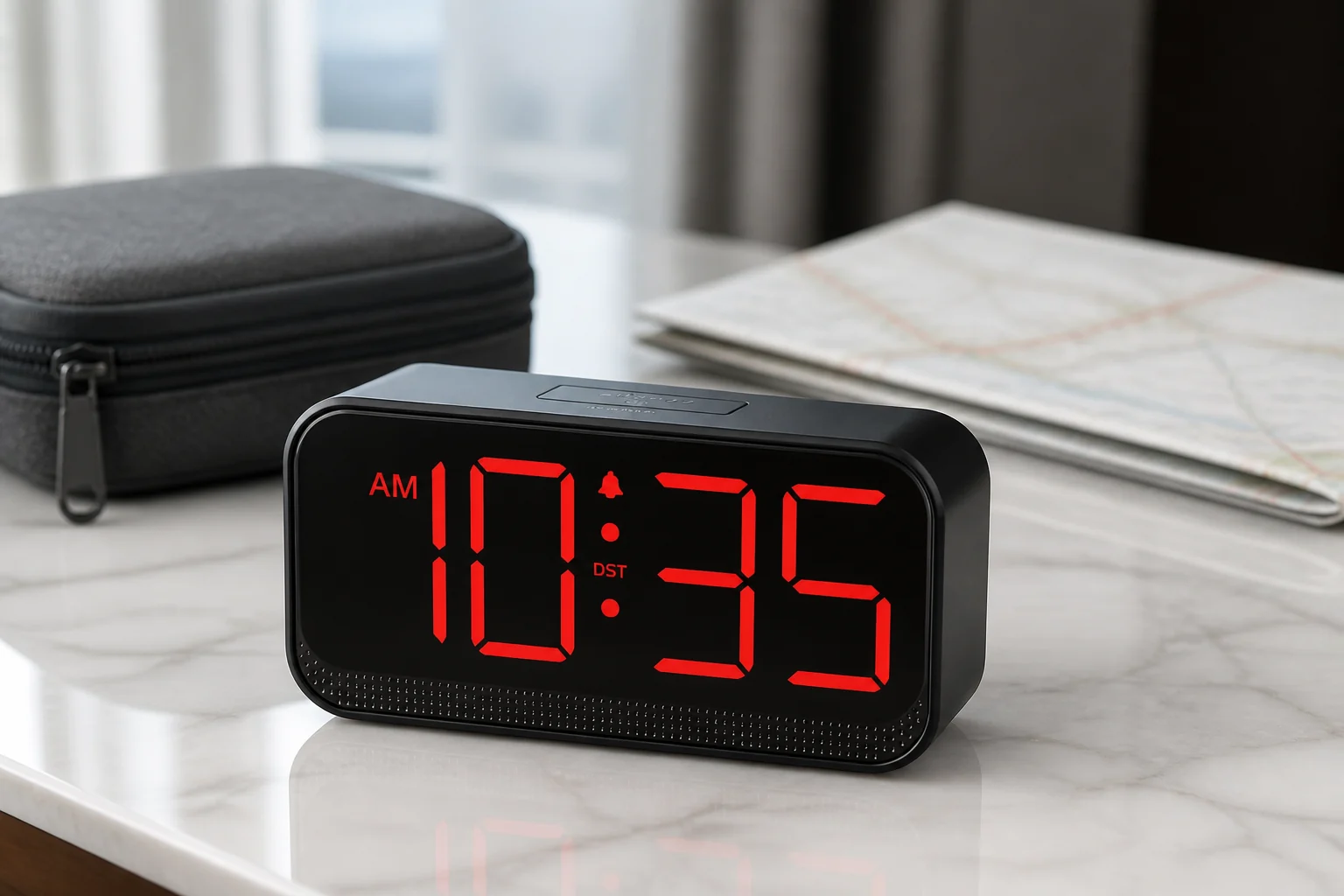
Acedeck Battery-Operated Alarm Clock
Acedeck trades a larger four-AA body for continuously visible cordless LED digits and a full display-off choice.
Acedeck uses four AA alkaline cells to run its large red LED display and audible alarm away from an outlet. It also accepts USB-C power and offers automatic dimming, three manual levels, display-off, and three alarm-volume choices.
A larger analog face with snooze and light
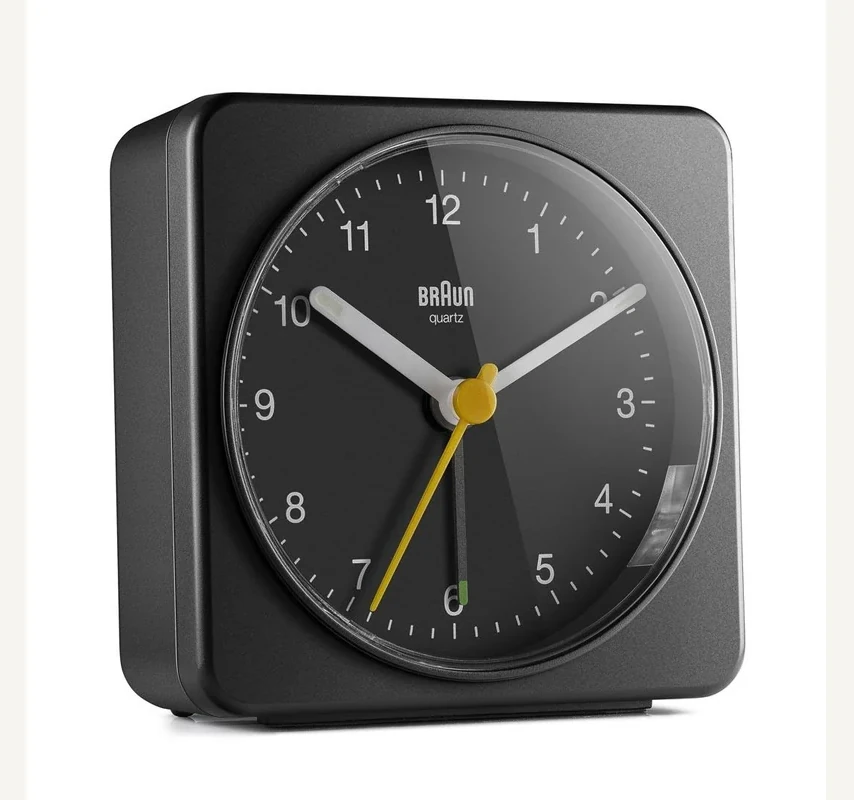
Braun BC03B
Braun’s U.S. page showed out of stock when checked on October 6, 2026. That describes the manufacturer’s page, not every seller. Check the exact black BC03B listing before buying.
The black BC03B uses one AA battery and lists a crescendo beep, snooze, and light. Braun describes a quiet sweeping quartz movement. It offers a different control choice from the smaller BC02R compared above.
Match the Braun suffix before relying on snooze or light
BC02R and BC02XB are different codes, even when the case dimensions look alike. Braun’s U.S. page explicitly lists snooze and a backlight for BC02XB; its cited BC02R page does not establish those features.
That missing statement is not proof that every older or differently supplied BC02 lacks a feature. Use the complete label and matching instructions. A red BC02R listing is not a purchase route for BC02XB simply because their cases look alike.
Both the model name and control layout should match before you follow a procedure. “Quiet” also does not mean non-ticking: Braun describes a quartz tick movement.
Check the weekday rule and the action you press
The linked user guide says the weekday changes with the calendar date. Set the year as well as the month and day; changing only the displayed time can leave a weekday-only alarm on the wrong schedule.
MeesMeek’s named Weekend Mode runs an enabled alarm Monday through Friday, not only on weekends. The local date and day therefore matter as much as the alarm time.
The same listing describes two different delays: a nine-minute snooze after pressing the button, and a seven-minute pause in an unattended cycle after three minutes of sounding. These are not competing specifications for the same button action.
Before relying on the clock, follow its supplied instructions to verify the selected repeat mode and the state left after stopping an alarm. Do not use an unattended sequence as assurance that it will eventually wake you.
Separate normal battery operation from memory retention
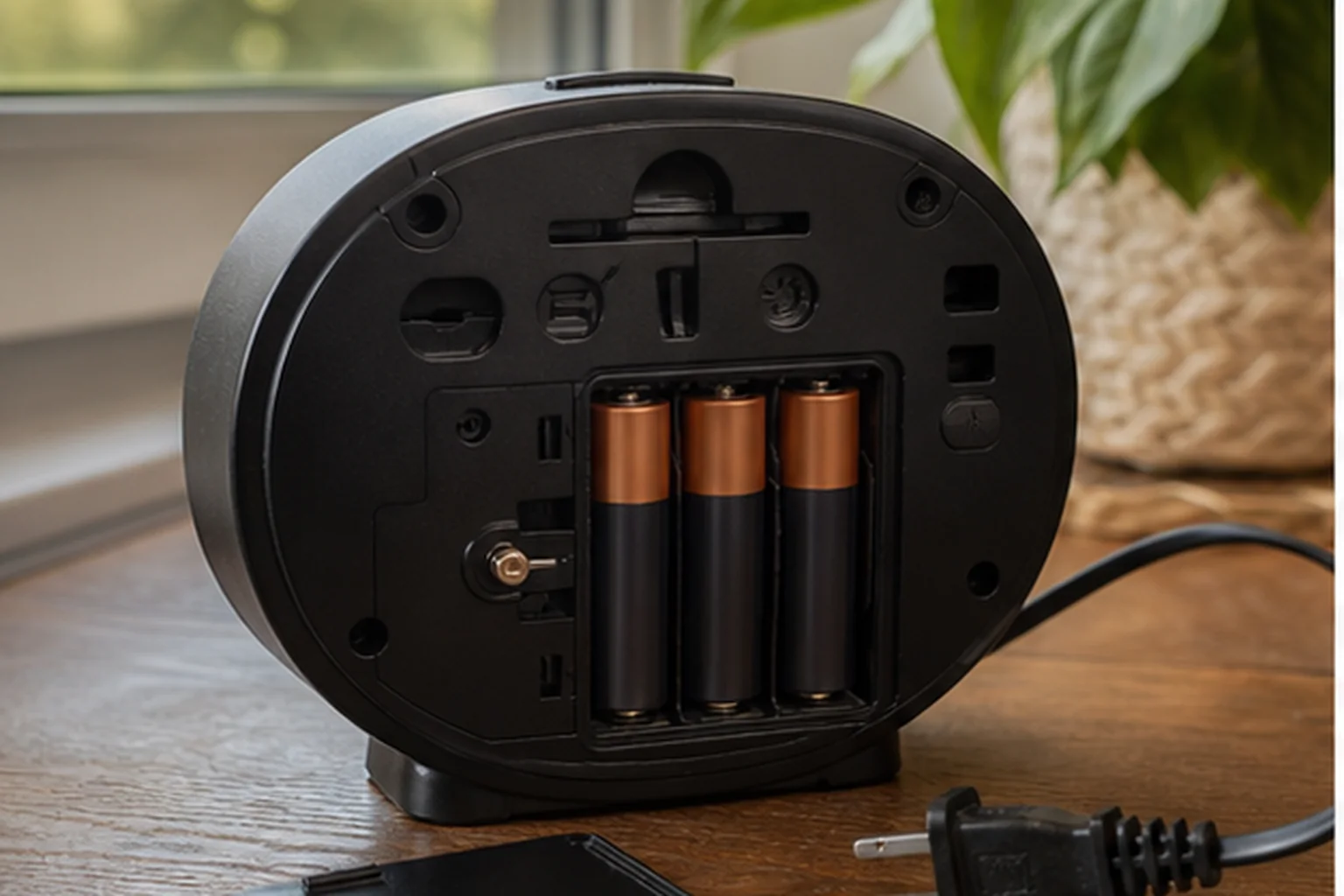
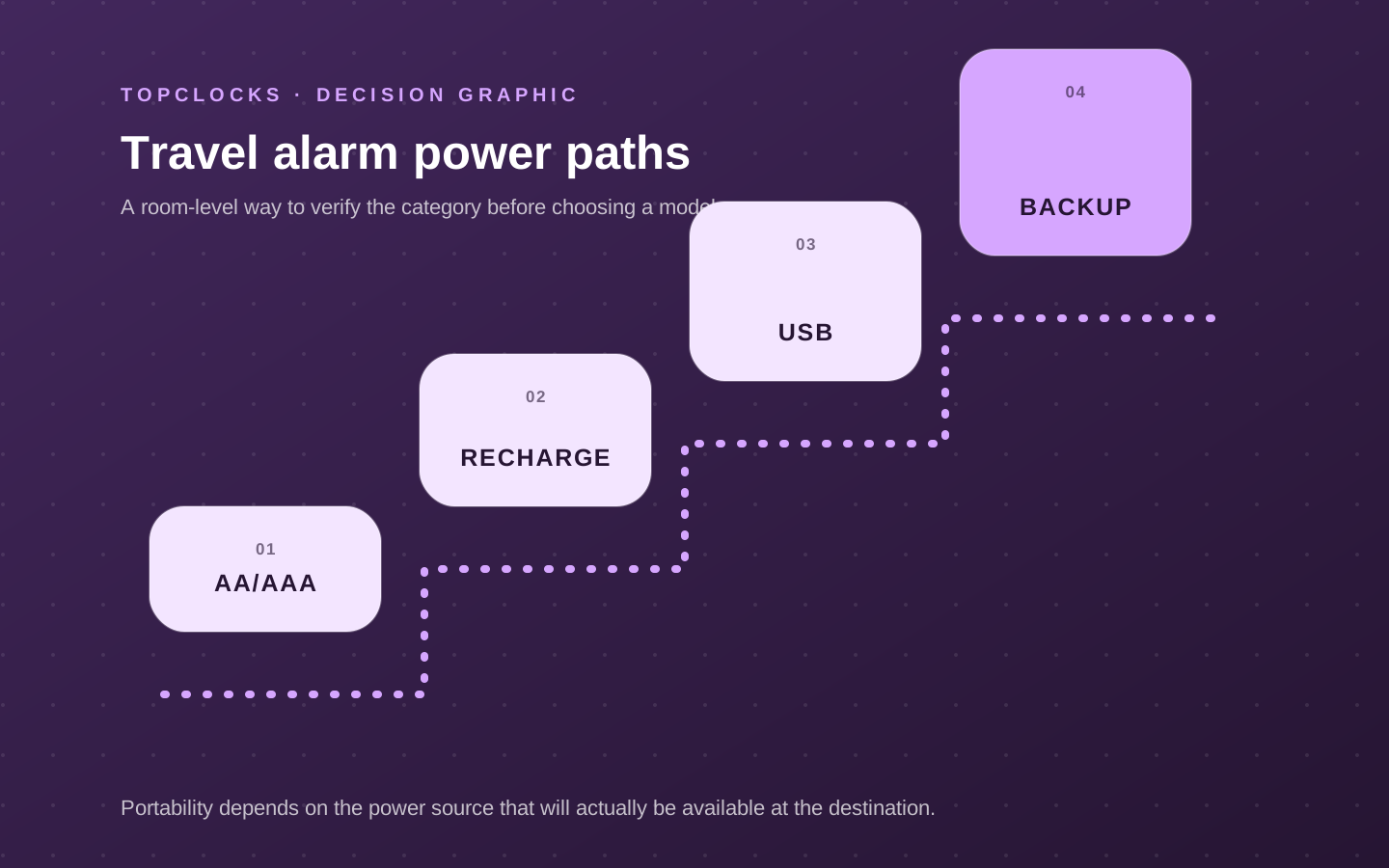
For outlet-free use, batteries must operate the required alarm, rather than just preserve settings. Read the exact power description before treating a plug-in clock as a portable backup.
Pack the specified cells or the complete permitted cable-and-adapter combination. A connector shape does not prove compatibility, and a folding stand does not establish a control lock. The battery-backup guide separates retained settings, alarm output, and display operation.
Match the signal and light to the temporary room
Check the display from the bed and confirm that the signal and controls are usable in the chosen position. Keep cables out of walking routes and account for other people in the room when rehearsing an alarm. A temporary five-second backlight and a continuously lit screen serve different reading preferences.
For a phone as a separate option, compare the phone and dedicated-clock power paths. Do not assume that two devices sharing one unverified power source provide independent protection.
Use one arrival checklist
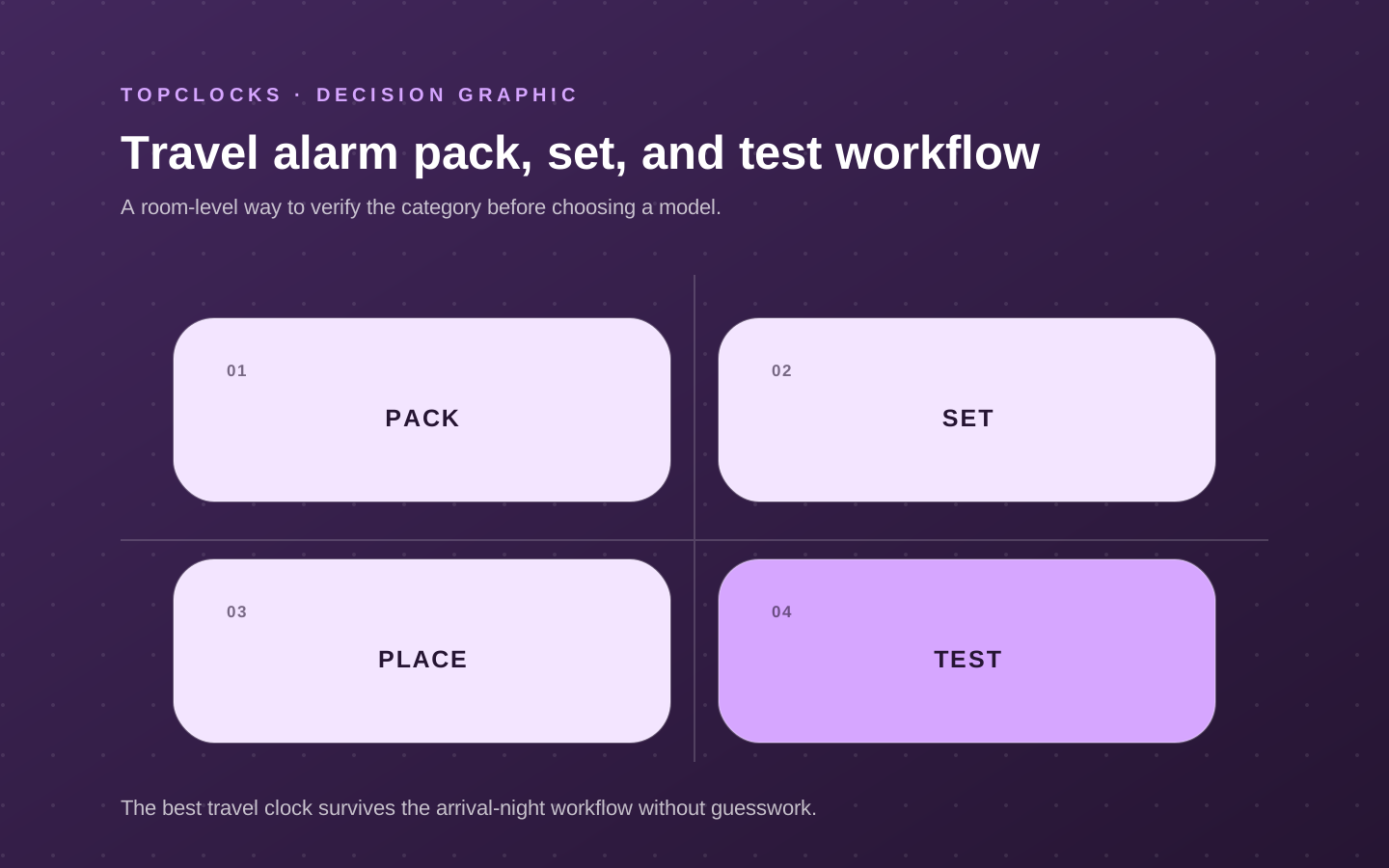
Check the complete setup after packing and after a change of location. This is a proposed owner check, not evidence that TOPCLOCKS tested these clocks or that two rehearsals establish reliability.
- Identify the clock. Match the full model or listing variant to the supplied instructions and the controls in front of you.
- Check packing and power. Inspect the case and settings after ordinary packing; do not force the cover. Confirm the required cells, cable, or adapter are present and correctly installed.
- Verify local time and day. Check AM/PM or 24-hour format, calendar date, and weekday separately where the model uses them.
- Verify the enabled alarm. Confirm the intended time and repeat pattern. A Monday–Friday mode must not be assumed to cover a Saturday or Sunday departure.
- Check the placed setup. Read the display and use the controls from the intended position. Rehearse a signal at an appropriate time and reconfirm what remains armed afterward.
Record only useful observations: exact model, power source, local time and date, repeat mode, active indicator, and any unresolved mismatch. For a departure you cannot miss, arrange a separately verified backup rather than interpreting this checklist as a guarantee.
Travel alarm questions to settle before packing
These answers address specific controls and limits; they do not certify a delivered clock or a person’s response to it.
Can MeesMeek’s Weekend Mode skip a Saturday departure?
Yes. The B0BK95CGNG listing says that an enabled alarm in this mode runs Monday through Friday. Before a weekend departure, verify the date and day, the selected mode, and the alarm-active state. Check the weekday rule
Why does the MeesMeek listing mention both nine and seven minutes?
Nine minutes is the listed delay after pressing the snooze button. Seven minutes belongs to the separate unattended sequence: three minutes of sound followed by a pause, repeated as described in the listing. Do not treat the two actions as the same control. Compare the two alarm actions
Are Braun BC02R and BC02XB interchangeable for snooze and light?
Do not assume so. Braun explicitly lists snooze and a backlight for BC02XB; the cited BC02R page does not establish those features. Match the complete code and supplied instructions rather than transferring the X-model controls to a different listing. Compare the complete Braun codes
Does a folding cover prove that alarm settings are protected in a bag?
No. A folding body or stand is not itself evidence of a control lock. Check the matching instructions and whether ordinary packing pressure can change a setting, without forcing the case or mechanism. Use the arrival checklist
Can a plug-in clock with a memory battery replace a battery-operated travel alarm?
Only when its documented power behavior meets the trip’s requirements. A memory battery may retain settings without operating the display or sounding the alarm. Confirm normal battery operation when independence from an outlet is the reason for carrying the clock. Read the battery-backup guide
Can the MeesMeek backlight stay on throughout the night?
The B0BK95CGNG listing says the backlight lasts five seconds per press and does not stay on. That is a different choice from a continuously illuminated display. Check it from the intended bedside position before deciding whether it meets your reading needs. Read the MeesMeek review
Evidence trail
Sources for these comparisons
Braun’s pages distinguish complete model codes; the MeesMeek retailer listing and linked user guide describe its repeat settings. These sources do not establish a control lock, guaranteed waking, or a fresh check of the other retained product cards.
Document check: October 6, 2026. These are published specifications, retailer descriptions and instructions, not measurements of a delivered clock. TOPCLOCKS did not perform physical tests for this update.